
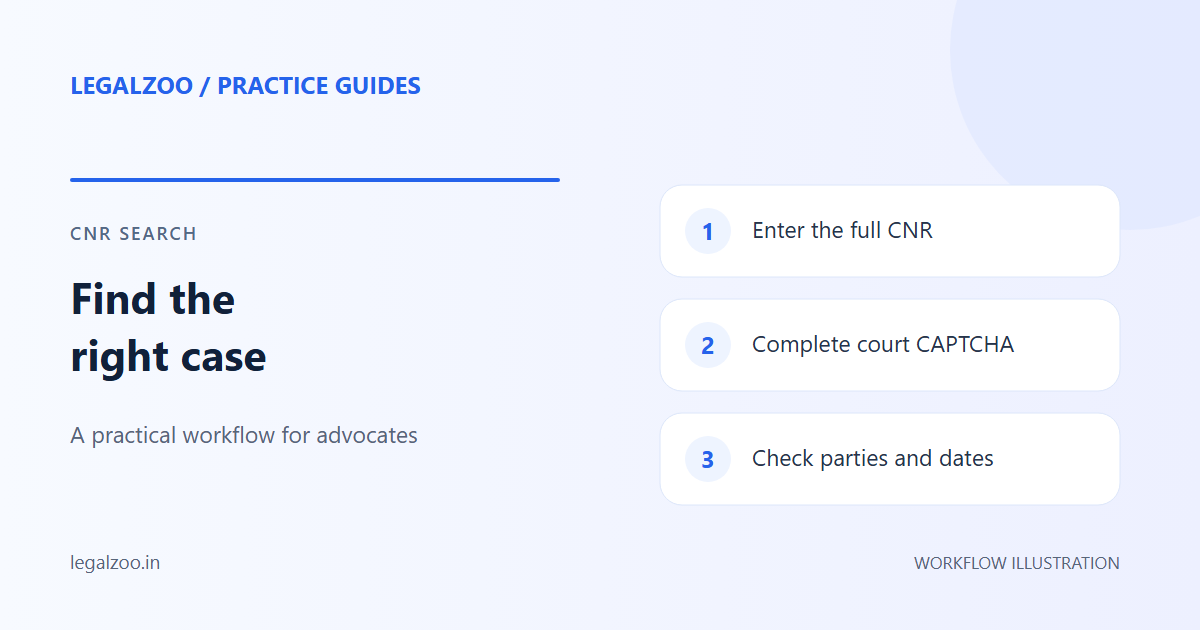
To track eCourts case status by CNR number, enter your complete 16-character alphanumeric code without hyphens or spaces on the official eCourts Services portal or LegalZoo. You will instantly view case registration details, stage of proceedings, court establishment, and next hearing date.
How do I search a Delhi case by CNR?
The official eCourts Services portal accepts a 16-character alphanumeric CNR without spaces or hyphens. Copy it from an existing court record rather than reconstructing it from the parties' names or a filing number.
- Open LegalZoo Case Search after signing in.
- Enter the complete CNR and the CAPTCHA shown for that session.
- Submit once and wait for a result or a clear error.
- Compare the parties, establishment, case number and dates with the matter you intended to retrieve.
- Open the dashboard to review the saved case and its documents.
A successful search is a snapshot of the returned court information. It does not establish that the case will be continuously monitored without another refresh.
What should I do when search fails?
| What you see | Next check |
|---|---|
| CAPTCHA mismatch | Enter the newly displayed CAPTCHA; the previous one may no longer be valid. |
| No case found | Recheck every CNR character against the court record. Do not change the year to try to obtain a result. |
| Connection lost after submission | Check the dashboard before retrying, because saving may already have completed. |
| Unexpected parties or court | Stop and verify the CNR before using the record. |
If you do not know the CNR, the official portal offers other search options. Do not assume those options are also available in LegalZoo's CNR form.
[!TIP] Chamber Workflow Tip: Instead of re-entering 16-digit CNR numbers on eCourts every week, you can save and organize all your ongoing matters inside the LegalZoo Case Workspace or register your account at LegalZoo Signup to review your cases and hearing dates in one place.
Search by party name when you do not know the CNR
On the official eCourts portal, open Case Status from the search menu and select an available search method such as party name, advocate name or case registration number. Follow the court and location selections requested there. Match the parties and registration details before copying a CNR into LegalZoo. The LegalZoo CNR field accepts a CNR, not a party name.
Next hearing date, case status and registration number
These fields answer different questions. The registration number identifies the registered proceeding; the status describes its recorded stage; the next date identifies the recorded hearing date. Read the hearing history and available order for context. A next hearing date does not mean that its cause list or order PDF is already published.
Keep similarly named matters separate
Use the full CNR to identify a case. A helpful chamber label can distinguish connected matters, but it should not replace the original identity or merge their documents.
For the next step, read the Delhi district court guide and order PDF instructions.