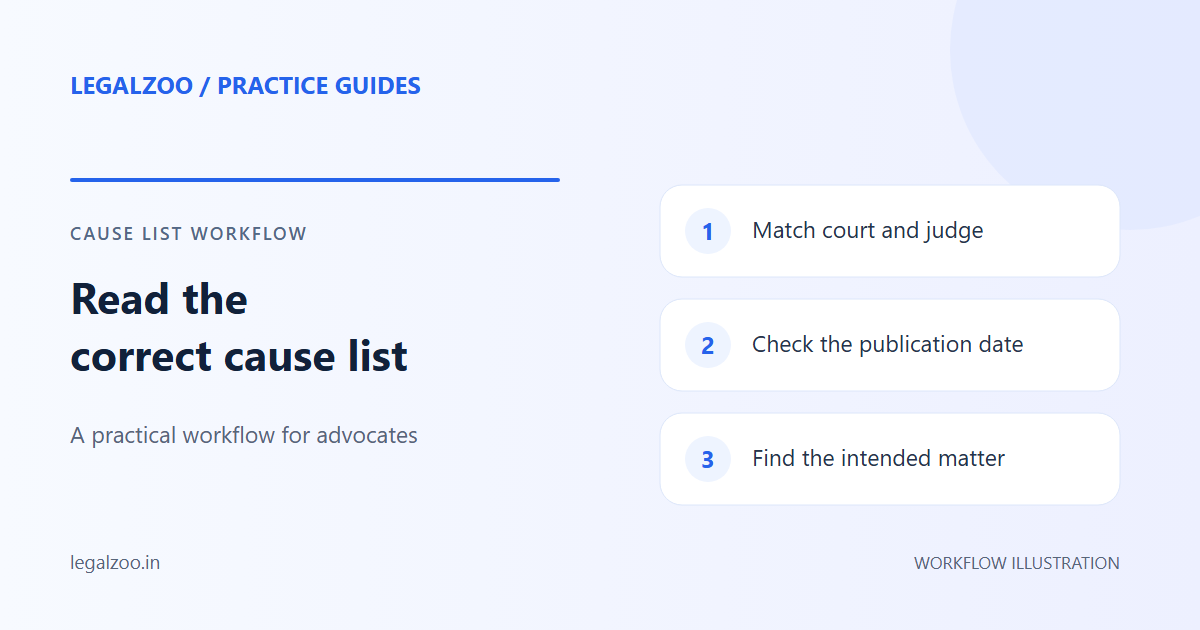
Causelist automation uses a browser automation tool (like Selenium) to log into the eCourts portal daily, download the daily cause list PDF for your court, extract case entries, filter for your cases by CNR or party name, and send you an alert if your matter is listed. LegalZoo implements this as a scheduled background task that runs every morning and emails you the results.
Why Causelist Tracking Is a Daily Nightmare
Every litigation advocate knows the routine: wake up, open the court website, find today's causelist PDF, scroll through 200+ entries, and hunt for your case numbers. Repeat for every court where you have matters.
For an advocate with cases in 3-4 courts, this takes 30-45 minutes every morning. And if you miss an entry — because the PDF was 40 pages long and your case was on page 37 — you risk an ex parte order against your client.
The causelist is not optional reading. It's the single most important daily document in a litigation practice.
How Causelist Automation Works
The Technical Pipeline
LegalZoo's causelist engine follows this pipeline:
┌─────────────┐ ┌──────────────┐ ┌─────────────┐ ┌──────────────┐
│ Scheduler │───▶│ Selenium │───▶│ PDF Parser │───▶│ Case Matcher │
│ (Daily 7AM) │ │ Browser │ │ (pdfplumber)│ │ + Alerter │
└─────────────┘ └──────────────┘ └─────────────┘ └──────────────┘
Step 1: Scheduled Trigger A background scheduler (APScheduler) triggers the causelist job every morning at 7:00 AM IST — before courts begin sitting.
Step 2: Browser Automation A headless Selenium browser navigates to the eCourts causelist page for each tracked court. It handles: - Dropdown selection (state → district → court complex → specific court) - Date selection (today's date) - CAPTCHA interaction (where applicable) - PDF download
Step 3: PDF Parsing
The downloaded PDF is parsed using pdfplumber. The engine extracts:
- Case number / CNR
- Petitioner and respondent names
- Advocate names
- Listing purpose (stage)
- Item number / sequence
Step 4: Case Matching The extracted entries are matched against your tracked cases using: - CNR number (exact match — most reliable) - Party name (fuzzy match — handles spelling variations) - Advocate name (secondary filter)
Step 5: Alert Dispatch If a match is found, an email alert is sent with: - Court name and judge - Case parties and CNR - Listing purpose (e.g., "Evidence," "Final Arguments") - Item number in the causelist - A direct link to the causelist PDF
Handling Court-Specific Quirks
Every court publishes causelists differently. The engine handles:
| Court Type | Format | Challenge |
|---|---|---|
| District Courts | Structured PDF table | Multiple pages, varying column order |
| Sessions Courts | Scanned PDF | Requires OCR fallback |
| High Courts | HTML table or PDF | Different URL structure per state |
| Tribunals | Website listing | No PDF — requires HTML scraping |
Setting Up Causelist Tracking in LegalZoo
1. Add Your Cases
Enter the CNR numbers for all your active matters. The system stores them in your encrypted vault.
2. Select Courts
For each case, specify the court (state, district, establishment). This tells the engine which causelist to fetch.
3. Enable Alerts
Toggle email alerts for causelist matches. You'll receive a daily digest at 7:30 AM with all your listed matters.
4. Review the Dashboard
The dashboard shows a 7-day causelist history — which cases were listed, on what dates, and for what purpose. This helps you spot patterns (e.g., "this judge lists evidence matters on Tuesdays").
Benefits Over Manual Tracking
| Manual Method | LegalZoo Automation |
|---|---|
| 30-45 min/day | 0 min/day |
| Risk of missing entries | Zero miss rate |
| No historical record | 7-day searchable history |
| No pattern analysis | Court scheduling insights |
| Single court at a time | All courts simultaneously |
| No calendar integration | Auto-sync to Google Calendar |
Conclusion
Causelist tracking is the highest-frequency, lowest-value task in a litigation practice. It's essential but purely administrative. Automating it reclaims 3-4 hours per week and eliminates the risk of missing a critical listing.
Let a robot read the causelist. You focus on winning the case.