
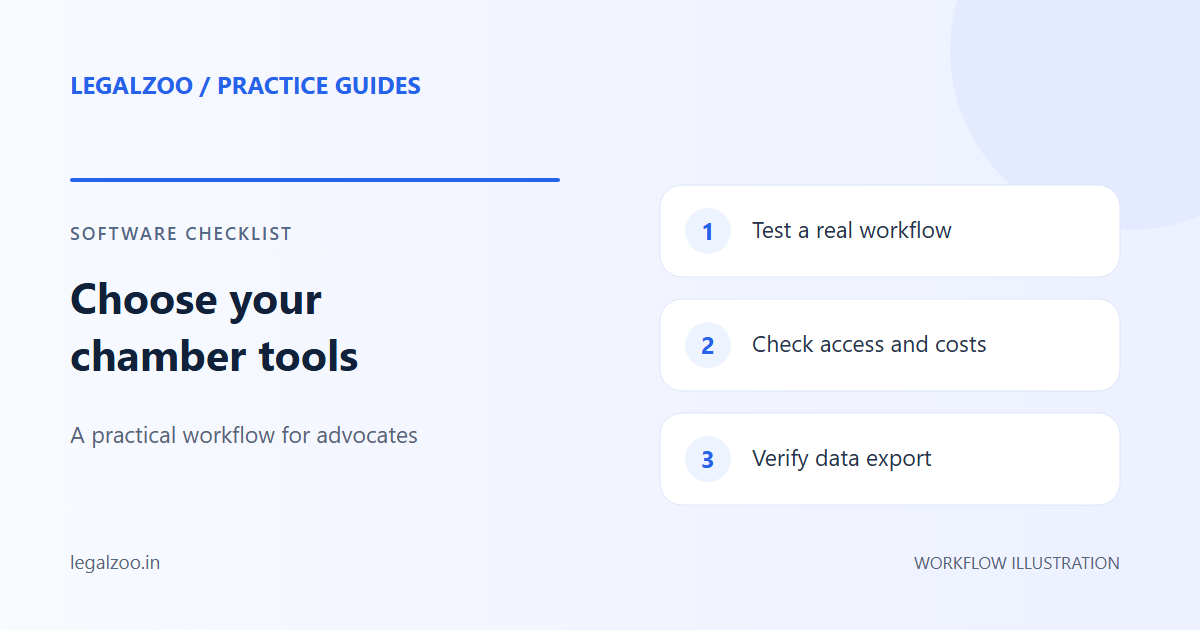
Evaluate a tool with your own verified cases and failure scenarios. Correct case identity, usable saved documents and clear update status matter more than a feature count.
A disclosure before comparing tools
This guide is published by LegalZoo, a case management software provider. It is a practical evaluation checklist, not an independent ranking of competitors. No unverified competitor prices or feature claims are used here.
Test the work your chamber actually does
| Test | What to observe |
|---|---|
| Search a known CNR | Parties, court and hearing date match the intended matter. |
| Switch between Delhi courts | Establishment and judge options belong to the newly selected court. |
| Open a saved PDF later | The correct document is available without depending on an old court link. |
| Request an unpublished or unavailable list | The app distinguishes missing publication from a retrieval failure. |
| Connect a calendar | The event reaches the intended account with the correct date. |
| Use separate accounts | Private notes and documents stay within the intended account access. |
Use authorized test records and accounts. Avoid judging a tool solely from a polished demonstration with one cached case.
Check the experience during a failure
Court services can be unavailable. Examine whether the software preserves previously correct data, shows when it was last updated, and offers a clear next step. A spinner without an outcome is not a useful substitute for an error message.
Ask about support, storage, backups and current subscription limits. Check the actual terms before paying; this article does not promise a free tier or unlimited features.
Compare against your existing routine
Try a small group of matters before changing the whole chamber's process. Record which repetitive steps the tool removes and which still require professional checking. Verify uncertain source data through eCourts Services.
To evaluate LegalZoo specifically, start with the workspace guide and digital diary setup.